
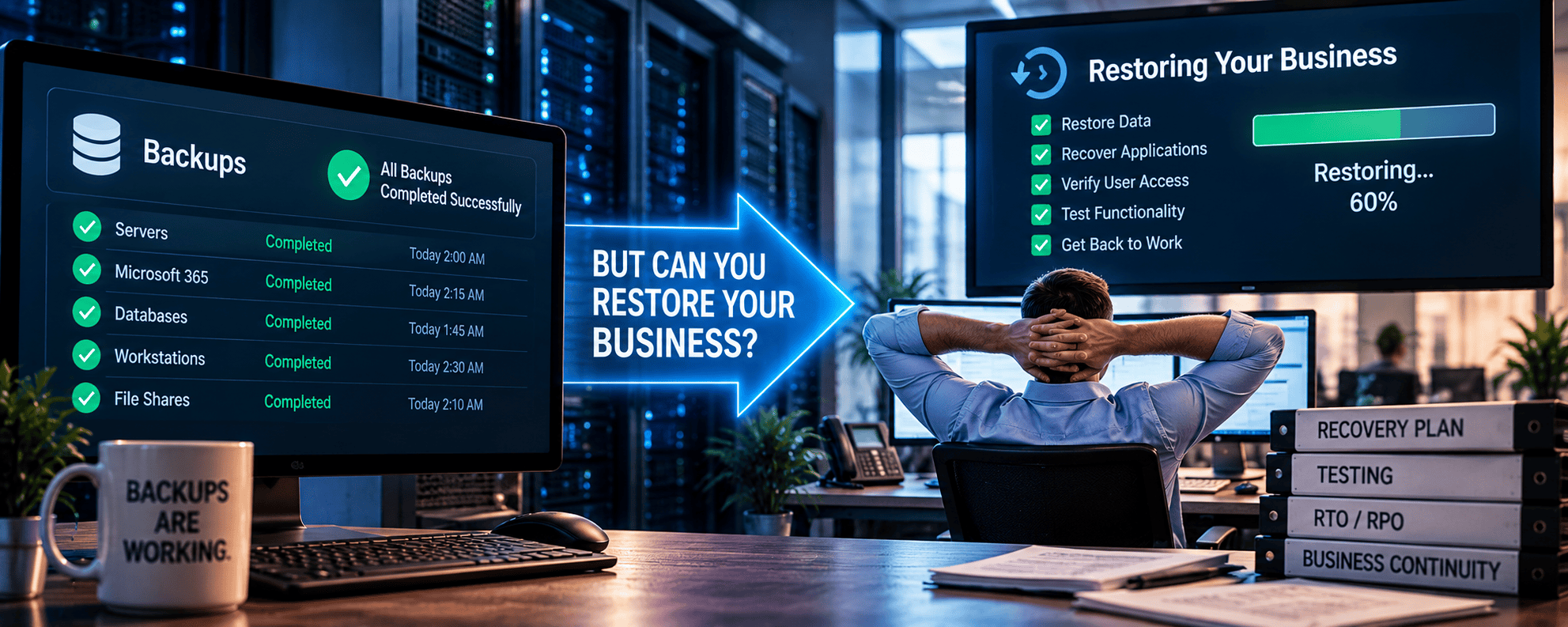
Two measurements determine whether your recovery strategy meets your business needs.
Recovery Time Objective (RTO)
This is how long your business can tolerate a system being unavailable.
If your accounting system goes down, can you operate without it for four hours? One day? Three days?
Recovery Point Objective (RPO)
This is how much data your business can afford to lose.
If your backup runs once every 24 hours, a failure just before the next backup could potentially mean losing nearly a full day’s work.
Different systems will have different requirements.
Your customer database may need to be restored within an hour, while an archived file server might be less urgent.
The National Institute of Standards and Technology (NIST) recommends evaluating business impact, recovery priorities, and system dependencies as part of contingency planning.
The key is determining these requirements before something fails, not during the emergency.
The Backup Test Most Businesses Never Perform
Here’s where things get interesting.
When was the last time someone actually restored your business systems from a backup?
- They did not check the backup dashboard.
- They did not confirm that a backup file exists.
They actually restored the data, started the applications, verified access, and confirmed everything works.
There’s a significant difference.
A meaningful recovery test might involve:
- Restoring files and confirming they’re usable.
- Recovering a server or virtual machine.
- Verifying applications and databases function properly.
- Confirming employee permissions and access.
- Testing recovery from an isolated or compromised environment.
- Measuring how long the process takes.
- Documenting problems and correcting them.
The Cybersecurity and Infrastructure Security Agency (CISA) recommends regularly testing the availability and integrity of backups in disaster recovery scenarios. CISA also emphasizes maintaining protected, offline backups because ransomware attackers may attempt to encrypt or destroy accessible backup copies.
That’s an important distinction.
A backup that exists is reassuring. A backup you’ve successfully restored is evidence.
Ransomware Makes Recovery More Complicated
Imagine arriving at work to discover your business has been hit by ransomware.
Your servers are encrypted. Employees can’t access their files. Critical applications are unavailable.
Fortunately, you have backups.
But restoring those backups isn’t necessarily the first step.
You need to determine whether the threat has been contained. Identify which systems were compromised. Verify that your recovery environment is secure. Confirm that the backup copies themselves are trustworthy.
Restoring everything too quickly into an environment that hasn’t been properly secured could create another problem.
That is why backup and recovery planning should connect to your overall cybersecurity strategy.
Security controls help reduce the likelihood and impact of an attack. Recovery planning determines how the organization gets back to work when prevention isn’t enough.
You need both.
Downtime Costs More Than Lost Data
When businesses think about disaster recovery, they often focus on files. But downtime’s financial impact goes well beyond data loss.
Consider what happens when employees can’t access their systems:
- Customer calls and inquiries go unanswered.
- Orders and transactions can’t be processed.
- Employees are unable to perform their jobs.
- Appointments and projects are delayed.
- Revenue-generating activities stop.
- Customer confidence begins to suffer.
The longer the outage continues, the more these costs can accumulate.
Here’s a practical exercise.
Take the approximate cost of one hour of interrupted operations. Include lost productivity, potential revenue impact, and any additional expenses required to keep the business functioning.
Now multiply that by eight hours. Then by two days.
The numbers can change the conversation about disaster recovery rather quickly.
Instead of asking, “How much does a backup solution cost?” leadership should be asking:
“How much downtime can our business actually afford?”
Business Continuity Is Bigger Than Backup
Even a successful restoration doesn’t automatically mean your business is operational.
- What happens if your office loses power for three days?
- How about if your internet connection fails?
- What if your building is inaccessible?
- What if employees need to work remotely while systems are being restored?
Business continuity planning addresses these scenarios by looking beyond individual systems to the processes required to keep the organization functioning.
A complete strategy considers critical applications, communications, employees, infrastructure, recovery locations, and the order in which systems need to come back online.
That’s why organizations should approach Business Continuity and Disaster Recovery as an ongoing business strategy rather than just another IT product.
For some organizations, that might mean maintaining redundant infrastructure. For others, it could mean cloud-based recovery environments, remote access, alternative communications, or a combination of solutions.
The right approach depends on what your business needs to keep operating.
What About Microsoft 365 and Cloud Applications?
Moving applications to the cloud doesn’t eliminate the need for recovery planning.
Cloud providers invest heavily in platform availability and resilience. But service availability and your organization’s ability to recover specific information or business processes aren’t the same thing.
Accidental deletion, compromised accounts, ransomware, retention settings, and application dependencies can still create recovery challenges.
Your organization needs to understand which protections each cloud service includes and whether those capabilities meet its recovery requirements.
We’ve addressed this distinction in Why “We Use Microsoft” Is Not a Backup Strategy.
The point isn’t that cloud platforms are unreliable.
Your recovery strategy should reflect the applications and data your business actually depends on, regardless of where they’re hosted.
Five Questions to Ask Your IT Provider About Recovery
If you’re responsible for business operations, you shouldn’t need to understand every technical detail of your backup system.
But you should expect clear answers to these questions:
- When was our last successful recovery test? Not the last backup, but the last time critical systems or data were actually restored and verified.
- How long would it take to restore our most important systems? Are those estimates based on testing or assumptions?
- How much data could we lose? Does the backup schedule meet our business requirements?
- Are our backups protected from ransomware? Are appropriate copies isolated, immutable, or otherwise protected from unauthorized modification and deletion (especially from AI agents and employees)?
- What happens while we’re recovering? Can employees continue working, customers reach us, and essential business functions continue?
If your provider can’t answer these questions, it may be time to evaluate the recovery strategy.
Not because something has necessarily gone wrong. Because you deserve to know what would happen if it did.
Backups Should Be Managed, Monitored, and Tested
A recovery strategy isn’t something you configure once and forget.
Businesses change.
- New applications are introduced.
- Employees move between roles.
- Data volumes grow.
- Infrastructure gets replaced.
- Cloud environments evolve.
- AI solutions are introduced without proper guardrails.
A backup strategy that worked two years ago may no longer protect everything your organization relies on today.
That’s why Managed IT Services should include ongoing visibility into backup health, system changes, recovery requirements, and the overall technology environment.
Remote Backup Solutions support file and disk imaging, physical and virtual system backups, cloud-based recovery, and centralized backup reporting.
With proper recovery testing and business continuity planning, these capabilities can help organizations reduce uncertainty about what happens when systems fail.
The goal isn’t simply to collect backup files. It’s to maintain a recovery process the business can depend on.
Your Business Doesn’t Need Another Green Checkmark
A successful backup notification feels good.
But it doesn’t tell you how quickly your business can recover from a ransomware attack, failed server, accidental deletion, or major outage.
Only a well-designed, tested recovery strategy can provide meaningful confidence.
Your business needs to know which systems matter most, how much downtime is acceptable, how much data loss you can tolerate, and whether your recovery procedures actually work.
When something goes wrong, nobody will ask how many successful backups you completed last month.
They’re going to ask one question:
“When can we get back to work?”
We help businesses evaluate their backup systems, recovery capabilities, and business continuity strategies to identify gaps before they become expensive disruptions.