
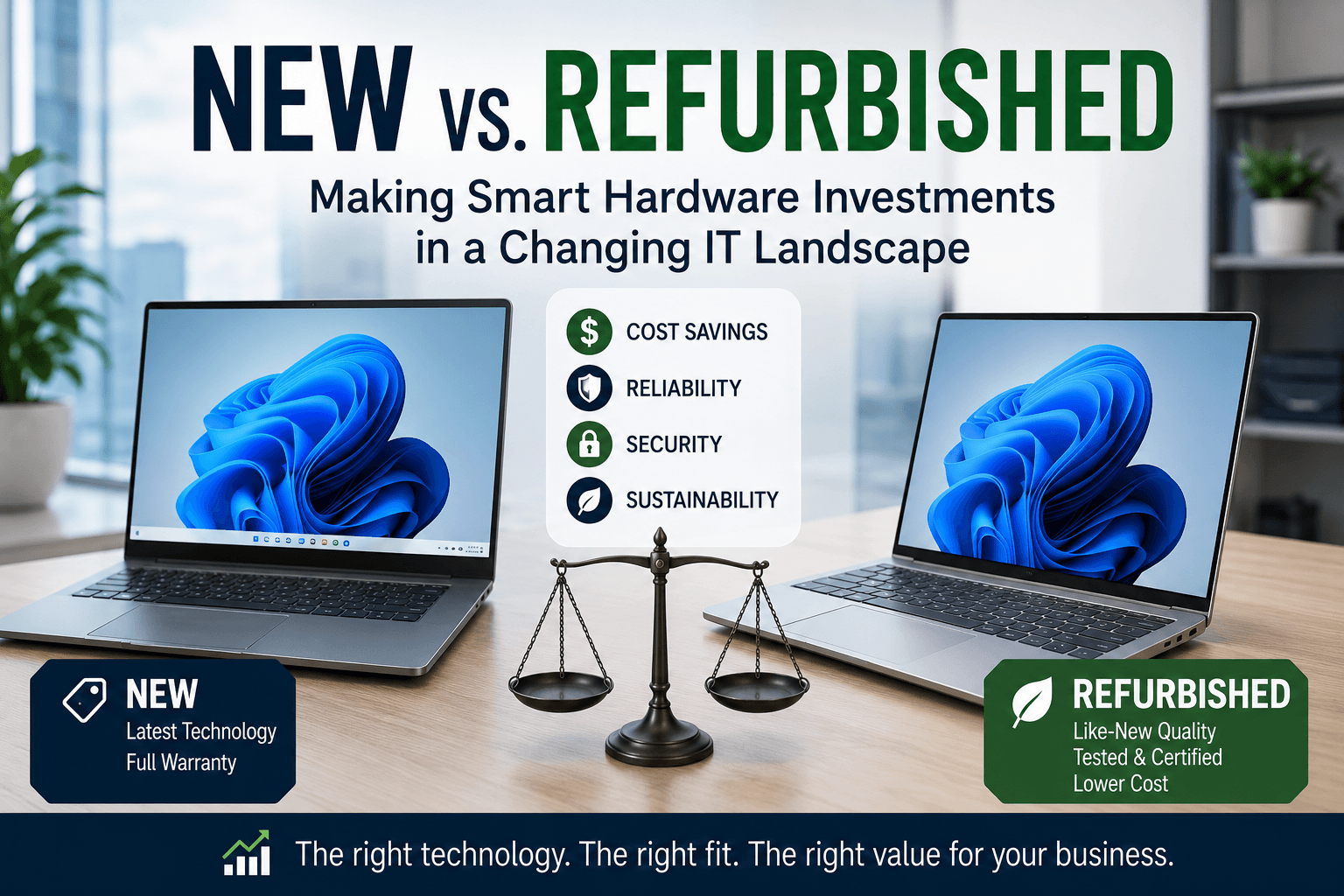
For years, replacing or updating employee laptops and workstations was a relatively straightforward process. Every three to five years, businesses would replace aging hardware, migrate users to newer systems, and continue business as usual.
Today, that decision has become far more complicated.
Rising hardware costs, inflation, global supply chain disruptions, the growing demand for AI-capable workstations, and the approaching end of Windows 10 support have prompted many organizations to rethink their technology refresh strategies.
Instead of asking:
“What computer should we buy?”
Many business leaders are now asking:
“How do we get the best value without sacrificing reliability, security, or productivity?”
The answer isn’t always buying the newest hardware.
In many cases, the smartest investment may be a combination of new and professionally refurbished business-class equipment, matched to your employees’ needs and supported by a long-term technology strategy.
Technology decisions should support business objectives, not simply follow industry trends. Sometimes that means deploying cutting-edge AI workstations.
Other times, it means extending your technology budget with enterprise-grade refurbished equipment that delivers years of reliable performance.
Why Hardware Costs Continue to Rise
The cost of business technology has increased significantly over the past several years.
Inflation, component shortages, increased demand for high-performance processors and graphics cards, and evolving business requirements have all contributed to higher acquisition costs.
At the same time, many organizations are preparing for Microsoft’s end of support for Windows 10 on October 14, 2025, which is accelerating workstation replacement projects across virtually every industry.
Systems that cannot meet the hardware requirements for Windows 11 will eventually need to be upgraded or replaced, making lifecycle planning more important than ever.
Microsoft provides detailed guidance on Windows 10 end of support and Windows 11 compatibility through its official lifecycle documentation.
Distributors such as Ingram Micro also continue to emphasize that businesses should carefully evaluate procurement strategies, as demand for enterprise hardware remains strong, particularly among organizations investing in AI-ready infrastructure.
For many businesses, replacing every workstation at once simply isn’t practical.
Fortunately, it isn’t always necessary.
Not Every Employee Needs the Same Computer
One of the most common mistakes organizations make is purchasing identical hardware for every employee.
While standardization simplifies support, it doesn’t always make financial sense.
An accountant working primarily with Microsoft Excel has very different computing requirements than an engineer running CAD software.
Likewise, a receptionist answering phones and scheduling appointments doesn’t require the same workstation as a developer building AI-powered applications or a marketing professional editing high-resolution video.
Matching hardware to actual workloads allows businesses to invest where performance matters most while avoiding unnecessary spending elsewhere.
Employees who rely on Microsoft 365, email, web-based applications, and standard business software often perform exceptionally well on mid-range business-class systems.
Meanwhile, employees using artificial intelligence, data analytics, engineering applications, or creative software may benefit from newer processors, dedicated GPUs, additional memory, and faster storage.
Technology investments should reflect business needs, not assumptions.
Refurbished Business Hardware Isn’t What It Used to Be
When many people hear the word refurbished, they picture outdated consumer laptops nearing the end of their useful life.
Today’s enterprise refurbishment market tells a very different story.
Many refurbished business systems originate from corporate lease refresh programs. Large organizations routinely replace thousands of laptops and workstations on predictable schedules, often after only three or four years of service.
These systems are then professionally inspected, tested, securely wiped, repaired where necessary, and prepared for resale.
Business-class models such as Dell Latitude, HP EliteBook, Lenovo ThinkPad, Dell Precision, and HP Z-Series workstations are designed for durability, serviceability, and long-term use.
When refurbished by reputable providers, they often deliver excellent performance at a significantly lower cost than comparable new systems.
For many organizations, professionally refurbished enterprise hardware provides an opportunity to extend technology budgets without compromising reliability.
Where Refurbished Equipment Makes the Most Sense
Refurbished hardware isn’t the right solution for every employee, but it can be an excellent choice for many business roles.
Organizations frequently realize significant savings by deploying refurbished systems for:
- Administrative and office staff
- Customer service representatives
- Reception desks
- Call centers
- Conference room computers
- Training labs
- Nonprofits and educational organizations
- Temporary or seasonal employees
- Loaner laptops
- Employees performing standard Microsoft 365 productivity tasks
In these situations, refurbished business-class equipment often delivers performance virtually indistinguishable from new hardware for everyday business applications.
When New Hardware Is Worth the Investment
There are also situations where purchasing brand-new equipment delivers measurable business value.
Organizations investing in artificial intelligence, software development, engineering, architecture, video production, or advanced data analytics often require modern processors, dedicated graphics, larger memory configurations, and faster storage technologies.
As organizations adopt AI-powered applications, modern processors, dedicated graphics, and higher memory capacities become increasingly important for maintaining performance and productivity.
This is something most AI proponents are not talking about, but it is very important if you want your agentic AI solutions to be utilized.
Similarly, executives and power users who regularly multitask across demanding applications may benefit from the performance improvements available in current-generation hardware.
The objective isn’t to choose new or refurbished exclusively. It’s choosing the right tool for each employee’s responsibilities. This is why you need someone to guide you through these decisions.
We’ve seen so many businesses and organizations order computers online, only to realize they weren’t compatible with docking stations or powerful enough to run the systems and solutions they rely on.
Think Beyond Purchase Price
The least expensive computer isn’t always the most economical investment.
Likewise, the most expensive workstation doesn’t automatically provide the greatest value.
Businesses should evaluate the total cost of ownership (TCO), considering factors such as expected lifespan, warranty coverage, maintenance costs, employee productivity, energy efficiency, repair frequency, and compatibility with future software requirements.
A professionally refurbished enterprise laptop may cost substantially less than a new consumer-grade model while offering greater reliability, better build quality, easier serviceability, and a longer useful life.
When evaluated over several years, the lower purchase price combined with enterprise-grade durability can significantly reduce overall ownership costs.
Cybersecurity Remains Essential
Some organizations hesitate to purchase refurbished equipment because they worry about cybersecurity.
Those concerns are understandable, but reputable refurbishment providers follow rigorous processes that include certified data destruction, fresh operating system installations, firmware updates, hardware testing, and quality assurance inspections before systems are resold.
Regardless of whether equipment is new or refurbished, organizations should implement modern security controls such as:
- Multi-Factor Authentication (MFA)
- Endpoint Detection and Response (EDR)
- Microsoft Defender
- BitLocker encryption
- Regular patch management
- Proactive monitoring and maintenance
Secure device management is just as important as selecting the right hardware.
Technology should be deployed, monitored, maintained, and protected throughout its entire life cycle, not simply purchased and forgotten.
Sustainability Is Becoming Part of the Conversation
Refurbished hardware also offers environmental benefits.
Extending the useful life of enterprise equipment helps reduce electronic waste while supporting sustainability initiatives and circular economy practices embraced by many technology manufacturers.
Organizations such as Dell, HP, and Lenovo continue to invest in programs that encourage responsible reuse, refurbishment, and recycling as part of broader environmental commitments.
For businesses with sustainability goals, refurbished equipment can support both financial and environmental objectives.
The Right Hardware Strategy Starts with the Right Partner
We don’t believe every employee needs the newest workstation or the least expensive one.
Organizations should develop hardware strategies aligned with business objectives, employee roles, lifecycle planning, cybersecurity, and long-term value.
That includes evaluating when to invest in new AI-ready systems, when professionally refurbished enterprise hardware offers a better return on investment, and how those decisions fit into a broader IT strategy that includes Managed IT Services, Microsoft 365, cybersecurity, cloud solutions, and business continuity planning.
Technology procurement isn’t just about buying computers.
It’s about building an infrastructure that supports your business today while preparing you for tomorrow.
Hardware Costs Continue to Go Up
Rising hardware costs are forcing organizations to make smarter technology decisions.
The good news is that businesses have more options than ever before.
New hardware continues to deliver exceptional performance for demanding workloads and AI-powered applications, while professionally refurbished enterprise equipment provides a reliable, cost-effective alternative for many everyday business roles.
The smartest organizations aren’t asking whether new or refurbished is better.
They’re asking which solution delivers the greatest value for each employee, each workload, and each business objective.
That’s the difference between buying hardware and investing in technology. Do you need new hardware? We can help you find the best solution. Let’s talk.
References
- Microsoft Windows 10 Lifecycle – https://learn.microsoft.com/lifecycle/products/windows-10-home-and-pro
- Microsoft AI – https://learn.microsoft.com/windows/ai/
- Ingram Micro – https://www.ingrammicro.com/
- NIST Cybersecurity Framework – https://www.nist.gov/cyberframework
- Dell Sustainability – https://www.dell.com/en-us/dt/corporate/social-impact/advancing-sustainability.htm
- HP Sustainable Impact – https://www.hp.com/us-en/hp-information/sustainable-impact.html
- Lenovo Sustainability – https://www.lenovo.com/us/en/about/sustainability/