
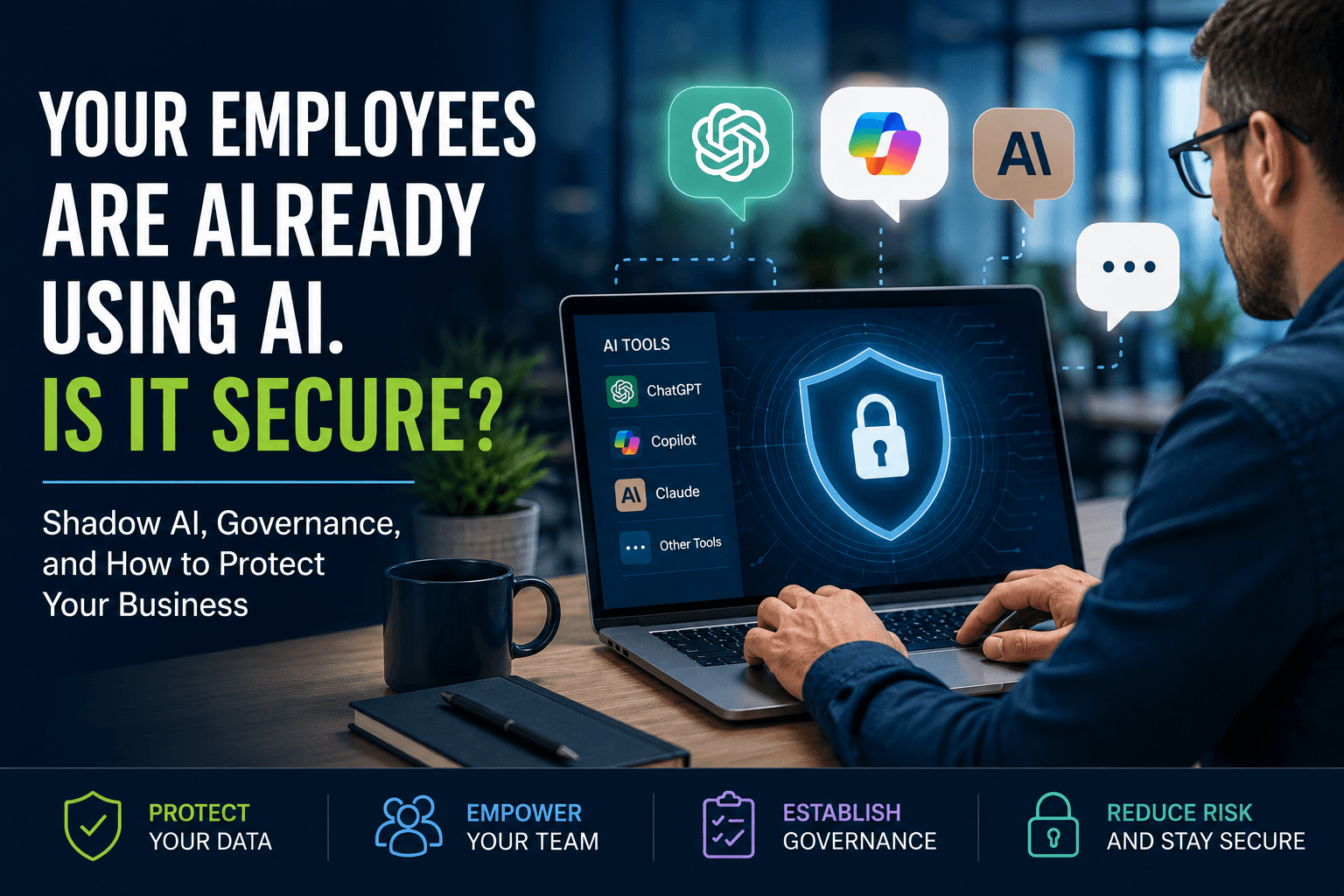
Here’s a simple exercise.
Walk through your office today and ask five employees one question:
“Have you used AI at work this week?”
Don’t explain what you mean. Don’t mention ChatGPT, Microsoft Copilot, or Claude. Just ask the question and listen to the answers.
Chances are you’ll hear something like this:
- “I used ChatGPT to rewrite an email.”
- “Copilot summarized my Teams meeting.”
- “Claude helped me clean up a proposal.”
- “I asked AI to organize an Excel spreadsheet.”
Now ask one more question.
“Did you think you should tell IT?”
That’s usually when the room gets quiet.
AI Governance Policy and Cybersecurity
Nobody was trying to break company policy or create a cybersecurity risk. They were simply trying to save time, and that’s exactly why AI has spread so quickly across businesses of every size.
The question isn’t whether your employees are using AI. The question is whether your business is prepared for it.
Microsoft’s Work Trend Index has consistently shown that employees are adopting AI tools faster than organizations are developing policies to govern them. AI isn’t arriving through executive planning alone.
In many businesses, one employee, one task, and one productivity gain at a time are introduced.
Shadow AI Usually Starts with Good Intentions
We’ve been talking about Shadow IT for years. Employees download software, subscribe to cloud services, or use personal devices without involving IT.
Now we’re seeing the same thing happen with artificial intelligence.
The difference is that Shadow AI rarely looks like someone intentionally ignoring company policy. It usually starts with someone trying to make their day a little easier.
- A marketing manager uploads website copy into ChatGPT to improve the wording.
- Sales asks Microsoft Copilot to summarize customer meetings before a follow-up call.
- HR uses Claude to rewrite an employee handbook, and Accounting pastes a spreadsheet into an AI tool to identify trends.
Every one of those actions could improve productivity. Every one of them could also expose sensitive information if employees don’t understand what shouldn’t be shared with AI platforms.
That’s why AI governance isn’t about slowing people down. It’s about helping them use these tools safely.
If your business already relies on Managed IT Services, Cybersecurity Services, and Microsoft 365 Solutions, AI governance should become another part of that technology strategy rather than a separate initiative.
ChatGPT, Copilot, and Claude All Have a Place
One of the biggest misconceptions I hear is that all AI platforms work the same way.
They don’t.
Each tool has different strengths, different security considerations, and different business applications.
ChatGPT has become one of the most popular AI tools for brainstorming, writing, coding, research, and content creation.
Microsoft Copilot works inside Microsoft 365, helping employees summarize Teams meetings, draft Outlook emails, analyze Excel data, and create PowerPoint presentations. When configured properly, it also works within your existing Microsoft 365 permissions and security model.
Claude, developed by Anthropic, excels at reviewing lengthy documents, simplifying technical content, and helping employees work through complex ideas.
The question isn’t which AI platform is best.
The better question is, which AI tools fit your business, and how should employees use them responsibly?
AI Doesn’t Create Risk. Unmanaged AI Does.
I’ve had this conversation with business owners more than once.
“We’re not using AI.”
Five minutes later, Marketing mentions ChatGPT. Sales have been using Copilot for weeks. HR is experimenting with Claude. Operations are summarizing meetings with AI, and Accounting has been testing AI to categorize expenses.
Sound familiar?
This isn’t employee misconduct. It’s employee innovation.
The challenge is that innovation almost always moves faster than policy. Without clear guidelines, most organizations don’t know which AI platforms employees are using, whether business information is being uploaded, or if sensitive customer data is adequately protected.
Those aren’t technology questions.
They’re leadership questions.
Governance Should Make AI Easier to Use
Whenever businesses hear the word “governance,” they often picture a 50-page policy manual that nobody will ever read.
Good governance is much simpler than that.
It answers practical questions that employees ask every day.
For example:
- Which AI platforms are approved?
- What information should never be entered into public AI tools?
- When should employees use Microsoft Copilot instead of ChatGPT?
- Who reviews AI-generated content before it’s published?
- How should confidential customer information be protected?
- What requires human approval?
Good governance doesn’t discourage AI adoption.
It gives employees the confidence to use AI responsibly.
The NIST AI Risk Management Framework encourages organizations to establish governance, accountability, transparency, and ongoing risk management as AI becomes part of everyday business operations.
AI Still Needs Adult Supervision
Let’s get one thing out of the way.
Despite what some headlines suggest, most business AI isn’t autonomous.
That’s actually good news.
AI is excellent at handling repetitive work, organizing information, summarizing conversations, and identifying patterns. People are still much better at exercising judgment, building customer relationships, making business decisions, and understanding context.
Think of AI as an incredibly fast first draft.
Not the final answer.
As organizations begin connecting AI to Microsoft 365, CRM systems, customer communications, and business applications, they also need to think about identity management, cybersecurity, monitoring, and governance.
That’s why Xecunet approaches AI as part of a broader business technology strategy. Agentic AI Management Services help organizations deploy AI securely while maintaining visibility, governance, and human oversight.
A Quick AI Governance Questionnaire
Take a minute and ask yourself a few questions.
- Do you know which AI tools your employees use every day?
- Have you created an AI usage policy?
- Are employees using personal AI accounts for business work?
- Is Microsoft Copilot configured securely?
- Could confidential customer information be uploaded without anyone realizing it?
- Does your cybersecurity strategy include AI?
- Have your managers received guidance on reviewing AI-generated work?
If several of those questions made you pause, you’re not alone.
Most organizations are still figuring this out.
What AI Governance Policy Looks Like in the Real World
Imagine two companies.
Both have employees using AI every day.
- The first company has no policies, no governance, and no visibility into how AI is being used. Employees are figuring it out on their own, often using personal accounts and public tools without guidance.
- The second company encourages AI adoption, but it also provides training, establishes clear policies, secures Microsoft 365, protects customer data, and regularly reviews how AI fits into its business processes.
The technology is exactly the same.
The difference is leadership.
Technology has never been the goal. Helping people do better work has always been the goal. AI just happens to be the newest tool helping businesses get there.
Is Your Business Ready for AI?
Whether your leadership team has formally adopted AI or not, there’s a good chance your employees already have.
The question is whether your organization has the visibility, governance, and security to support it.
If you’re wondering where your business stands, an AI Readiness Assessment is a great place to start.
Together, we’ll evaluate how AI is already being used across your organization, identify opportunities, reduce unnecessary risk, and help you build a practical roadmap for responsible AI adoption.