
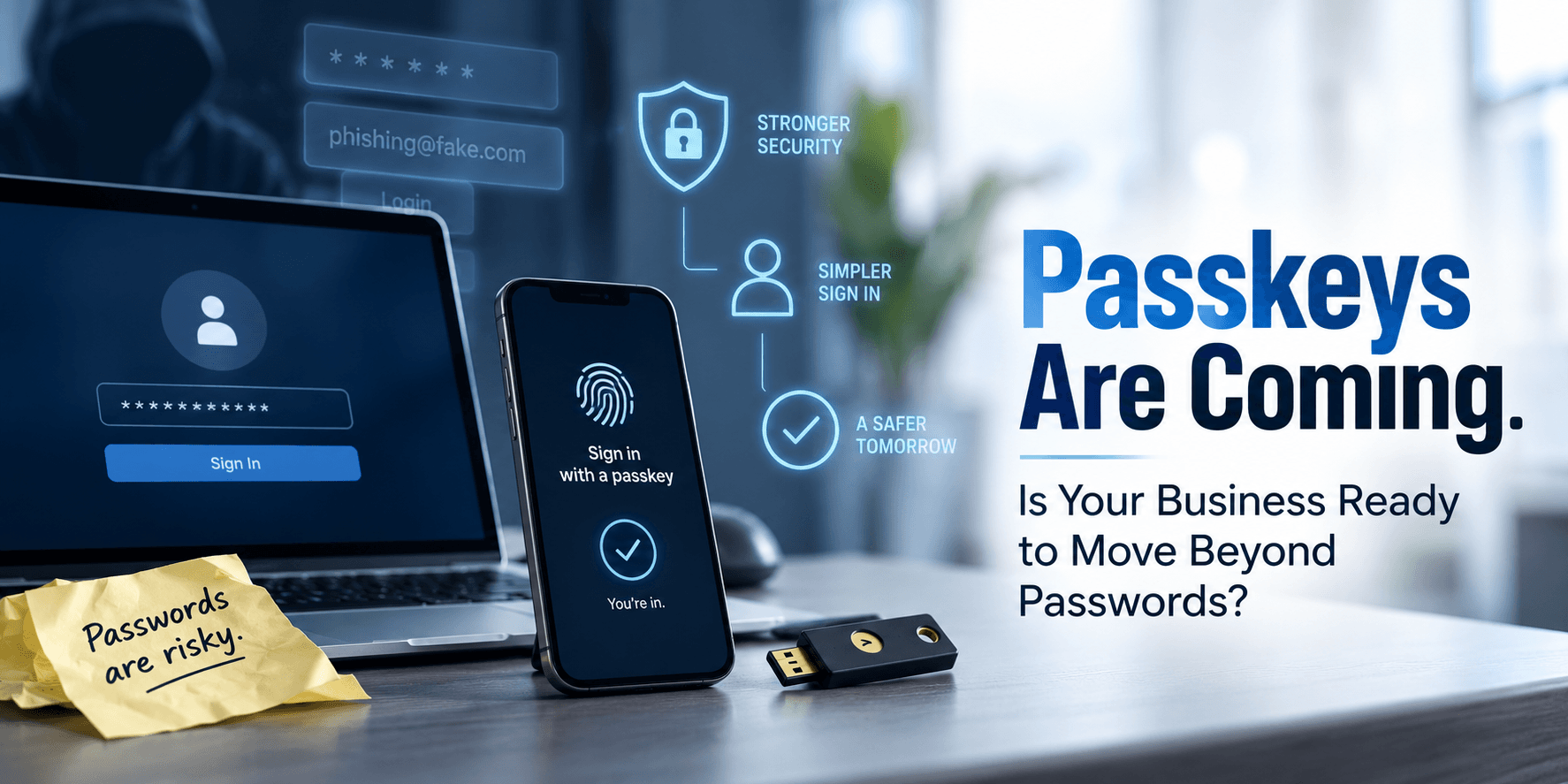
For decades, we’ve been told to create better passwords.
- Make them longer.
- Add numbers.
- Add symbols.
- Don’t reuse them.
- Don’t write them on a sticky note attached to your monitor.
Then we added Multi-Factor Authentication to make passwords safer.
Now Microsoft is moving toward something that might sound a little strange after years of cybersecurity training…
What if we stopped relying on passwords in the first place?
That’s increasingly where identity security is headed.
Microsoft has started making passkeys the default authentication experience in Microsoft Entra ID for users currently enabled for SMS or voice authentication.
Another deadline businesses should know about is coming.
This isn’t just Microsoft changing another setting. It’s part of a much larger change in cybersecurity.
We’re moving from making passwords harder to steal to authentication that doesn’t depend on a stealable password at all.
Why Are We Still Talking About Passwords?
Passwords have a fundamental problem.
They’re secrets.
You know the secret. The website knows enough to verify the secret. And if someone convinces you to hand that secret over, they may be able to pretend they’re you.
That’s essentially what phishing is designed to accomplish.
An attacker doesn’t necessarily need to “hack” Microsoft 365 if they can convince an employee to type a username and password into a convincing fake login page.
As we discussed in Identity Is the New Security Perimeter, that’s particularly dangerous because so much of the modern business begins with identity.
- Email.
- Teams.
- SharePoint.
- OneDrive.
- Cloud applications.
- Customer information.
- Administrative systems.
- And increasingly, AI.
Once an attacker successfully becomes a trusted user, the front door may already be open.
The NIST digital identity guidance makes the problem quite clear: passwords are not phishing-resistant.
That’s one reason businesses need to think beyond better passwords.
Wait. Didn’t MFA Solve This?
MFA made things much better.
And businesses should absolutely continue using MFA while transitioning toward stronger authentication.
But there’s an important distinction:
Not all MFA is phishing-resistant.
Suppose an employee enters a password into a fake Microsoft login page.
The attacker then asks for the six-digit verification code sent to the employee. That employee enters that too.
The attacker now has both pieces of information.
NIST explains that authentication methods requiring users to manually enter an authenticator output, such as one-time passcodes, aren’t considered phishing-resistant because an impostor can potentially relay that information to the legitimate service.
CISA similarly recommends moving toward phishing-resistant MFA, highlighting FIDO/WebAuthn authentication as the widely available approach for achieving it.
So MFA isn’t going away. It’s evolving.
Microsoft itself now distinguishes between traditional MFA methods and phishing-resistant options such as Windows Hello for Business, passkeys, FIDO2 security keys and certificate-based authentication.
Think of it this way:
- MFA asks an attacker to steal more than your password.
- Phishing-resistant authentication tries to make stolen credentials useless in the first place.
That’s a significant difference.
So, What Exactly Is a Passkey?
A passkey replaces the traditional shared secret with cryptography.
That sounds complicated. Using one generally isn’t.
A passkey creates a cryptographic key pair. The service you’re accessing has the public key, while your device or credential provider protects the private key. You don’t type private credentials into a website or tell someone over the phone.
You may unlock it using something you already understand:
- Your fingerprint
- Facial recognition
- A device PIN
- A security key
So instead of:
Username → Password → MFA code → Login
The experience can become much closer to:
Verify it’s you on your device → Login
NIST describes the consumer experience similarly: a passkey can let someone authenticate using the same kind of PIN or biometric action they already use to unlock their device, without having to remember a password.
But convenience isn’t the biggest advantage. The passkey is tied to the legitimate website or application.
Microsoft explains that FIDO2 passkeys use origin-bound public-key cryptography. The credential created for the legitimate service isn’t just a password that an attacker can enter on a fake website.
That’s what makes passkeys so interesting from a phishing perspective.
Microsoft Is Making This a Bigger Part of Entra ID
This is where the topic becomes particularly relevant to businesses using Microsoft 365.
Microsoft Entra ID is the identity platform behind many Microsoft cloud environments. Microsoft 365 Solutions already emphasize identity and access controls, MFA, Conditional Access, device management, and ongoing security oversight.
Passkeys add another piece to that identity strategy.
Microsoft Entra currently supports both synced and device-bound passkeys.
A synced passkey can be stored through a credential provider and made available across a user’s devices.
A device-bound passkey remains tied to a particular device. Options include Microsoft Authenticator passkeys and physical FIDO2 security keys.
The right approach depends on the user.
A typical employee may have different requirements from a Global Administrator who can change critical Microsoft 365 security settings.
In fact, Microsoft’s current guidance says FIDO2 security keys may be appropriate for highly regulated environments or users with elevated privileges, while synced passkeys can provide a convenient option for many ordinary enterprise users.
That’s why “turn on passkeys” shouldn’t be the entire strategy.
This Isn’t Just a Security Upgrade. It’s an Employee Change.
This part will be easy to underestimate.
Your employees have spent their entire working lives using passwords.
- Then IT told them: “Now you also need an app on your phone.”
- Then: “Please approve this notification.”
- Now we’re going to tell them: “Actually, we’re trying to get rid of the password.”
That requires communication.
The good news is that the experience may ultimately be easier.
Microsoft reports that in its experience with hundreds of millions of consumer users, synced passkey sign-ins have been considerably faster and more successful than traditional password-plus-MFA authentication.
But employees still need to understand what’s happening. Otherwise, the first passkey registration prompt becomes another help-desk ticket:
“Microsoft is asking me to do something weird. Is this legitimate?”
That education also offers an interesting security benefit.
We’ve spent years teaching employees: “Never give anyone your password.”
The passwordless version may eventually become even simpler: “There isn’t a password for someone to ask you for.”
Don’t Flip the Switch for Everyone Tomorrow
Treat moving beyond passwords like an IT project, not a checkbox.
Microsoft’s own passwordless deployment guidance recommends planning for device readiness, credential bootstrapping, deployment, and user adoption.
That’s important because your environment probably isn’t uniform. You may have:
- Windows 11 workstations
- Older Windows devices
- Macs
- iPhones
- Android devices
- Shared computers
- Remote employees
- Administrators
- Contractors
- Service accounts
- Legacy applications
- Employees who lose or replace phones
Microsoft’s guidance also notes minimum operating-system considerations for integrated phishing-resistant passwordless experiences, with older devices potentially requiring external authenticators such as FIDO2 security keys.
So before rolling out passkeys everywhere, understand what you’re working with.
Start With the People Who Can Hurt You the Most
Here’s another way to approach it. Not every identity represents the same risk.
A compromised account belonging to someone who can read a shared calendar isn’t the same as a compromised Global Administrator.
We made this point in You Bought Microsoft 365. Are You Actually Managing It?.
Powerful accounts deserve stronger controls.
That can make privileged users an excellent place to evaluate phishing-resistant authentication.
Microsoft allows organizations to use Conditional Access authentication-strength policies to require passkeys for sensitive resources.
That creates opportunities to match authentication strength to business risk instead of treating every login exactly the same.
It’s part of the broader identity-first approach behind Cybersecurity Services, which combines MFA, identity and access management, monitoring, endpoint security and other controls rather than relying on any single security technology.
What Should Businesses Be Doing Now?
You don’t need to eliminate every password this week. But you probably shouldn’t ignore where Microsoft is going either.
Microsoft’s September 2026 change and planned February 2027 retirement of native SMS and voice delivery give organizations a good reason to start reviewing their authentication environment now.
I would start with a few questions:
- Which employees are still using SMS or voice for MFA?
- Which authentication methods are currently allowed in Entra ID?
- Are administrator accounts protected differently?
- Which users and devices are ready for passkeys?
- Should your organization use synced, device-bound or both types of passkeys?
- Are older devices going to create compatibility issues?
- How will employees register their first passkey?
- What happens when an employee loses a device?
- What’s your account recovery process?
- Which applications still depend on passwords or older authentication?
- How will you explain the change to employees?
Then pilot it.
- Start with a manageable group.
- Document what happens.
- Find strange edge cases.
- Prepare your help desk.
- Educate employees.
- Then expand.
That’s much easier than discovering on February 1 that your authentication strategy depends on something Microsoft no longer provides natively.
Passwordless Doesn’t Mean Security-Less
There’s one misconception worth addressing. Removing passwords doesn’t mean removing security.
It means changing how trust is established.
Passkeys are still authentication credentials. Devices still need to be secured. Account recovery still matters. Conditional Access still matters. Endpoint security still matters. Administrator privileges still matter.
That’s why we approach Microsoft 365 security and management as an ongoing discipline rather than a licensing exercise.
Passkeys aren’t a magic cybersecurity button. But they address one of the oldest weaknesses in cybersecurity:
People can be tricked into giving away secrets.
The logical response is to build authentication that depends less on secrets people can give away.
The Password Probably Isn’t Disappearing Tomorrow
Passwords have been declared dead plenty of times. They’re remarkably stubborn.
Legacy systems will remain. Some applications won’t support modern authentication. Businesses will migrate at different speeds. And plenty of operational details will need to be worked through.
But Microsoft’s direction is becoming increasingly clear.
Passkeys are moving from an interesting passwordless option toward a much more prominent role in the Microsoft identity experience.
For businesses already running Microsoft 365, that makes now a good time to ask:
Are we simply using MFA, or are we building an authentication strategy for what comes next?
Because the objective isn’t really to get rid of passwords.
It’s to make stolen credentials considerably less useful to the people trying to get into your business.
And that’s a future worth preparing for.
If you’re unsure how your Microsoft 365 environment is currently configured, which authentication methods your employees are using, or whether you’re ready for Microsoft’s move toward passkeys, a security review is a good place to start.