
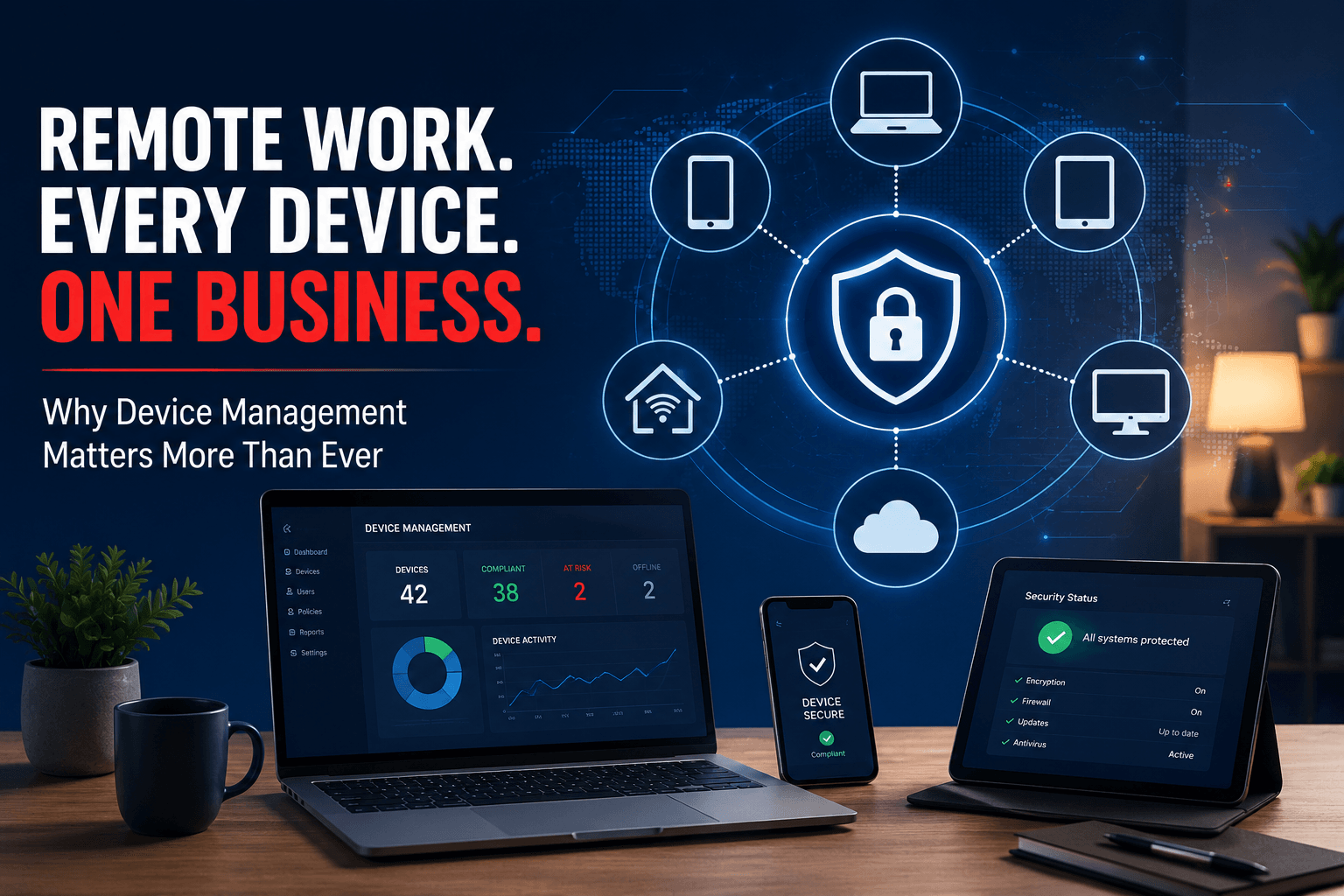
Why Device Management Matters More Than Ever
Remote work has fundamentally changed how businesses operate. Employees are working from home, traveling between locations, accessing cloud applications from coffee shops, and collaborating from virtually anywhere with an internet connection.
While that flexibility has created tremendous benefits for organizations and employees alike, it has also introduced a challenge that many businesses continue to underestimate: How do you effectively manage and secure the devices that connect to your business?
Whether it’s a company-issued laptop, a personal smartphone, a home desktop, or a tablet used for work, every device accessing company data becomes part of your organization’s technology environment.
And if those devices aren’t properly managed, they can quickly become one of your greatest security risks.
The Office Perimeter Is Gone
For years, businesses relied on a relatively simple security model.
- Employees worked inside the office.
- Devices connected to the corporate network.
- Security teams could monitor traffic, manage updates, and maintain visibility over the environment.
That model no longer exists.
According to the Cybersecurity and Infrastructure Security Agency (CISA) Remote Work Guidance, organizations must account for the security risks associated with remote work and employee-owned devices accessing business systems.
Today, employees may access:
- Microsoft 365
- CRM platforms
- Financial systems
- Customer databases
- Cloud storage
- Collaboration platforms
From devices that may never enter a company office. The result is a dramatically expanded attack surface.
This is one reason organizations are increasingly adopting identity-first security strategies and proactive device management practices through solutions such as Managed IT Services.
You Can’t Protect What You Can’t See
One of the biggest challenges businesses face is visibility. Many organizations simply don’t know:
- How many devices are accessing company resources
- Who owns those devices
- Whether they are encrypted
- If security software is installed
- When they were last updated
- Whether they meet company security requirements
This creates significant risk.
According to Microsoft Security Best Practices for Remote Work, organizations should maintain visibility into devices, identities, applications, and access patterns as part of a Zero Trust security strategy.
Without that visibility, businesses often discover problems only after an incident occurs. Good device management starts with knowing exactly what is connected to your environment.
Personal Devices Create Unique Challenges
Many organizations support Bring Your Own Device (BYOD) policies because they provide convenience and reduce hardware costs.
However, personal devices frequently lack the controls businesses expect. For example, a personal laptop may:
- Share access with family members
- Operate on outdated software
- Lack endpoint protection
- Store sensitive business data locally
- Connect through unsecured networks
The challenge isn’t that personal devices are inherently unsafe. The challenge is that businesses often have little control over how those devices are managed.
The National Institute of Standards and Technology (NIST) Guidance on Enterprise Mobility and BYOD states that organizations should implement policies, monitoring, and security controls that address risks associated with employee-owned devices.
Without governance, a personal device can become an entry point for attackers targeting the organization.
Company-Owned Devices Need Management Too
Many businesses assume company-issued devices automatically solve the problem. They don’t.
A company-issued laptop can still be vulnerable if it is not actively managed. Remote devices require:
- Operating system updates
- Security patches
- Endpoint protection
- Configuration management
- Inventory tracking
- Lifecycle management
CISA Protective Measures for Enterprise Devices shows that maintaining current software and security configurations remains one of the most effective ways to reduce cyber risk.
The device itself is only part of the equation. The management process for that device ultimately determines its cybersecurity posture.
Device Management Supports Cybersecurity
Remote work has made endpoint security one of the most important components of modern cybersecurity. A single compromised device can potentially provide access to:
- Email accounts
- Shared files
- Cloud applications
- Customer data
- Internal communications
This is why organizations increasingly deploy:
- Endpoint Detection and Response (EDR)
- Mobile Device Management (MDM)
- Identity and Access Management (IAM)
- Multi-Factor Authentication (MFA)
- Security monitoring solutions
These tools help ensure devices remain compliant with company policies while providing visibility into suspicious activity.
This approach aligns closely with the identity-first and predictive security model supported through Cybersecurity Services.
Because cybersecurity today is not simply about protecting a network. It’s about protecting every endpoint that connects to the business.
Device Tracking Is More Than Security
Device management is often viewed exclusively as a cybersecurity initiative. In reality, it provides operational benefits as well.
Organizations that effectively track devices gain visibility into:
- Hardware age and lifecycle
- Warranty status
- Software licensing
- Replacement planning
- Asset utilization
- Employee onboarding and offboarding
This allows businesses to make more informed technology decisions while reducing unexpected costs.
Instead of reacting when devices fail, organizations can proactively plan upgrades and replacements. This aligns closely with the Predictive IT approach emphasized throughout our managed services strategy.
Employee Departures Can Create Hidden Risks
One of the most overlooked aspects of device management occurs when employees leave the organization. Without proper processes, businesses may struggle to determine:
- What devices were assigned
- What data remains on those devices
- Whether access has been revoked
- Whether company information was removed
According to NIST Cybersecurity Framework Resources, asset management and access control remain foundational cybersecurity practices.
A well-managed device inventory simplifies employee transitions and helps ensure company assets and information remain protected.
Why Managed IT Services Matter
Managing devices across a distributed workforce is no longer a simple task. Businesses must balance:
- Cybersecurity
- Compliance
- User experience and productivity
- Visibility
- Cost management
That complexity is one reason many organizations partner with providers such as Managed IT Services.
A proactive device management strategy helps organizations maintain visibility into every endpoint, enforce security policies, and reduce operational risk without creating unnecessary friction for employees.
Remote Work is Here to Stay, Make It Secure and Productive
The devices that support mobile and remote work must be managed properly.
Whether employees use personal devices, company-issued hardware, or a combination of both, organizations need visibility into which devices are accessing their systems, where company data resides, and how those devices are managed.
In today’s environment, a device is no longer just a laptop or a smartphone. It’s a gateway into your business.
The organizations that manage and secure those gateways effectively will be far better positioned to support remote work, protect sensitive information, and reduce cybersecurity risk as their workforce continues to evolve.
Are you an organization using a remote workforce? We can help with productivity, cybersecurity, and most importantly, business continuity. Let’s talk.