
Do you deal with Most businesses know how Sales is performing. They know revenue, pipeline, and close rates. Marketing has leads and conversions. Finance has budgets, margins, and forecasts.
Then we get to IT.
“How’s our IT doing?”
“Pretty good. We haven’t had many problems lately.”
That’s not exactly a performance metric.
We tend to judge IT by what went wrong: support tickets, outages, security incidents, or broken equipment. Those things matter, but they don’t tell you whether technology is actually helping the business.
A company can have very few support tickets and still have aging hardware, unnecessary software costs, untested backups, security gaps, excessive permissions, and no technology roadmap.
So maybe the better question isn’t:
“Is our IT working?”
Maybe it’s:
“Is our IT making the business better?”
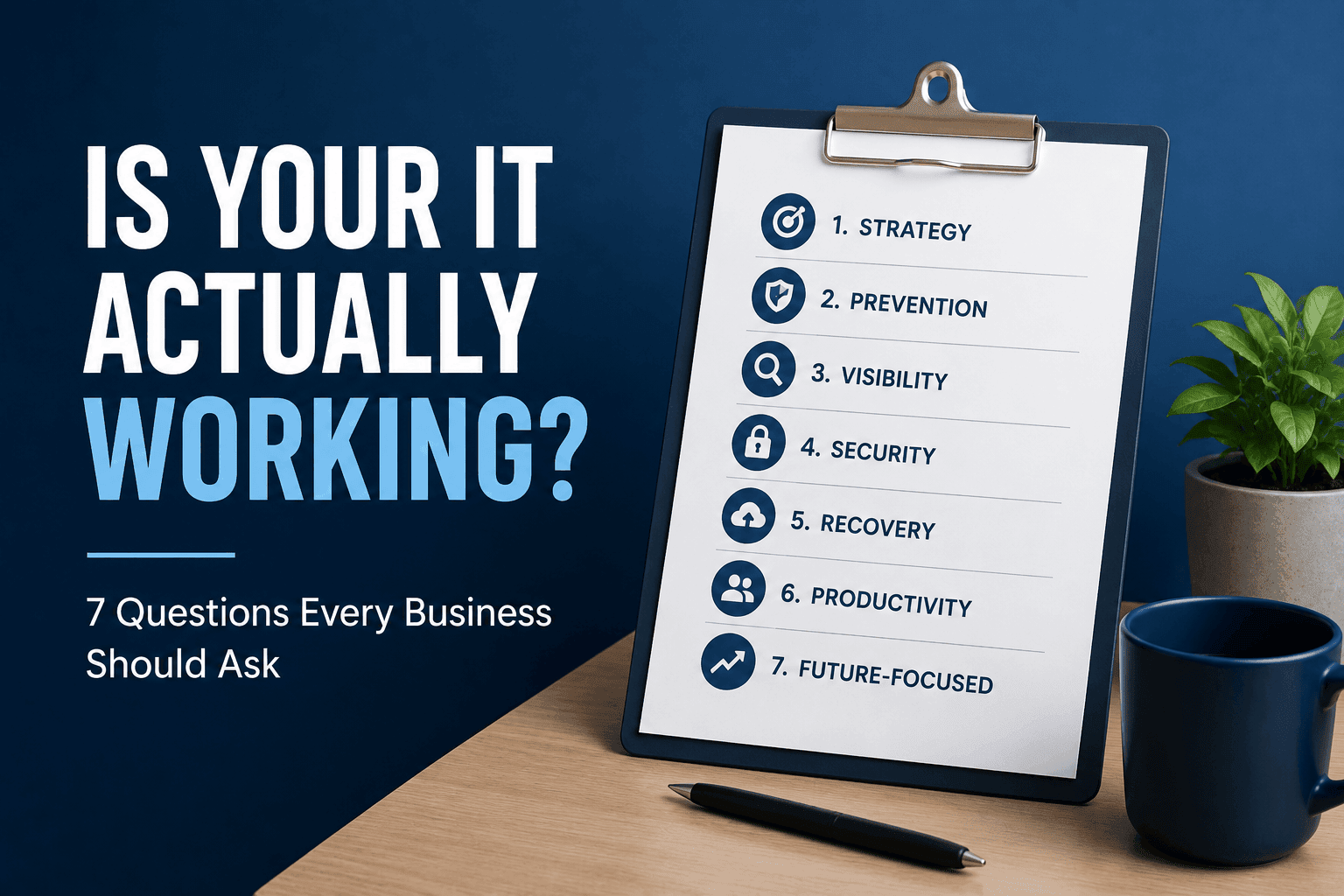
Here are seven questions that can help you answer that question.
1. Can Someone Explain Your Technology Strategy in Plain English?
Ask your leadership team:
“What are our three biggest technology priorities for the next 12 months?”
You shouldn’t need your IT provider in the room to answer.
Maybe you’re replacing aging workstations, strengthening cybersecurity, improving business continuity, preparing for growth, or figuring out where AI can improve productivity.
Whatever those priorities are, they should connect directly to business goals.
That’s an important part of a strategic Managed IT Services approach. Technology shouldn’t be a collection of servers, licenses, firewalls, and support tickets. It should support the organization’s direction.
Good IT should answer:
- Where are we today?
- Where is the business going?
- What needs to change to get us there?
2. Are You Preventing Problems or Just Fixing Them Faster?
Fast support is valuable, but there’s something better than resolving a problem quickly:
Not having the problem in the first place.
If your IT provider resolves 100 support tickets this month and another 100 next month, I’d want to know why the same problems keep happening.
A more mature IT operation looks for patterns. Which computers generate recurring support requests? Are patches failing on certain devices? Are backup problems increasing? Do employees repeatedly experiencing the same application issues?
Individual incidents tell you what happened.
Patterns tell you what needs attention next.
That’s the difference between reacting to technology problems and proactively managing the environment. Managed IT Services should focus on preventive maintenance, monitoring, management, and reducing conditions that lead to costly disruptions.
Your help desk should solve today’s problem.
Your IT strategy should ask why it happened and how to prevent it from happening again.
3. Can You See the Technology You’re Paying For?
Ask for a current inventory of your computers, servers, network equipment, Microsoft 365 licenses, cloud services, software subscriptions, security tools, warranties, and replacement dates.
How confident are you that it would be accurate?
Technology has a way of accumulating. An application gets purchased for a project. An employee leaves, but a license remains active. A computer has been replaced but stays in inventory.
Individually, these aren’t huge problems. Over several years, they become costly, complex, and risky.
The same principle applies to cloud platforms. Microsoft 365 Solutions should focus not simply on licensing Microsoft 365 but also on managing identities, devices, security, data, and access.
Good IT should answer:
- What do we own?
- What are we paying for?
- Who uses it?
- Is it secure?
- When should it be replaced?
4. Are You Measuring Risk or Just Buying Security Products?
Cybersecurity can easily become a shopping list.
- MFA? Check.
- Endpoint protection? Check.
- Firewall? Check.
- Backup? Check.
But owning cybersecurity products isn’t the same thing as managing cybersecurity risk.
The NIST Cybersecurity Framework 2.0 takes an outcome-oriented approach and organizes cybersecurity around six functions:
- Govern
- Identify
- Protect
- Detect
- Respond
- Recover
NIST’s addition of Govern in CSF 2.0 also reinforces cybersecurity as an enterprise risk-management issue rather than simply an IT problem.
CISA takes a similarly practical approach with its Cybersecurity Performance Goals, which provide organizations with prioritized cybersecurity practices intended to meaningfully reduce risk.
Leadership should understand:
- What are our most significant risks?
- Where do meaningful gaps remain?
- What happens if an incident occurs?
- Who is responsible for responding?
That’s also the philosophy behind proactive Cybersecurity Services.
The objective isn’t more cybersecurity technology.
It’s less business risk.
5. Do You Know What Happens When Something Fails?
Here’s a question that deserves a specific answer:
If your most important business system disappeared at 10:00 tomorrow morning, how long would it take to recover?
Not “we have backups.” How long?
And when was that assumption last tested?
The NIST Cybersecurity Framework 2.0 includes Recover as one of its six core functions because cybersecurity isn’t only about preventing incidents. Organizations also need the ability to restore operations when disruption occurs.
This is something we’ve discussed in our post Why “We Use Microsoft” Is Not a Backup Strategy. Having data somewhere isn’t the same as having a monitored and tested recovery strategy.
Good IT doesn’t promise nothing will ever go wrong. It makes sure you’re prepared when something does.
6. Is Technology Making Work Easier or Harder?
This may be one of the most overlooked IT measurements.
How much friction does your technology create?
Employees won’t necessarily open a ticket every time something is annoying. They’ll wait for the slow computer, manually enter information into multiple systems, work around applications that don’t integrate, or spend time searching for information they should be able to find quickly.
Ask employees:
- What technology wastes the most time?
- Which tasks involve unnecessary repetitive work?
- What information is difficult to find?
- What technology problem have you simply learned to live with?
Those answers may tell you more about IT performance than a monthly help desk report.
They’re also useful when evaluating AI. Modern IT Solutions Providers now offer Agentic AI Management Services that focus on practical opportunities to improve efficiency while maintaining governance, security, monitoring, and appropriate human oversight.
The goal isn’t AI for the sake of AI.
It uses technology to eliminate unnecessary work.
7. Is Someone Thinking About What Comes Next?
This may be the biggest difference between IT support and IT strategy.
Support looks at today.
Strategy looks at tomorrow.
- What’s approaching end of life?
- What belongs in next year’s budget?
- Will your infrastructure support growth?
- Are employees already experimenting with AI?
- Could applications be consolidated?
- Are you accumulating technical debt?
These aren’t help desk questions. They are strategic leadership questions.
Good IT should look around the corner without chasing every new technology trend. Sometimes the right answer is to say no to a new platform because it doesn’t solve a meaningful business problem.
The goal isn’t to have the newest technology.
It’s about having the right technology at the right time for the right reason.
A Simple IT Scorecard for Leadership
If I were evaluating an IT environment today, I wouldn’t start with how many tickets were closed last month.
I’d want to know:
- Reliability: Are recurring problems and downtime decreasing?
- Security: What meaningful risks have we reduced?
- Lifecycle: What needs replacing in the next 6, 12, and 24 months?
- Recovery: When were critical recovery processes last tested?
- Productivity: Where is technology creating employee friction?
- Cost: Are we paying for technology we don’t need?
- Strategy: What are our three most important technology priorities?
IT teams need operational metrics. Executives need to understand:
- Business impact
- Risk
- Cost
- Priorities
- Decisions
Good IT Creates Fewer Surprises
Maybe that’s ultimately the best measure.
You shouldn’t suddenly discover that 40 computers need replacing at once. You shouldn’t learn during a ransomware incident that backups haven’t been tested. And you shouldn’t discover after an employee leaves that they still have access to critical systems.
- Good IT creates visibility.
- Visibility creates planning.
- Planning creates predictability.
And predictability helps leadership make better decisions.
So the next time someone asks, “How’s our IT doing?”, don’t settle for “everything seems to be working.”
Ask:
- What problems are we preventing?
- What risks are we reducing?
- Where are employees losing time?
- What costs are coming?
- And what needs our attention next?
That’s how we approach Managed IT Services. The objective isn’t simply keeping computers running. It’s creating a technology environment that is predictable, secure, resilient, and aligned with where the business is going.
Because good IT shouldn’t just fix problems. It should help leadership make better decisions before those problems happen.