
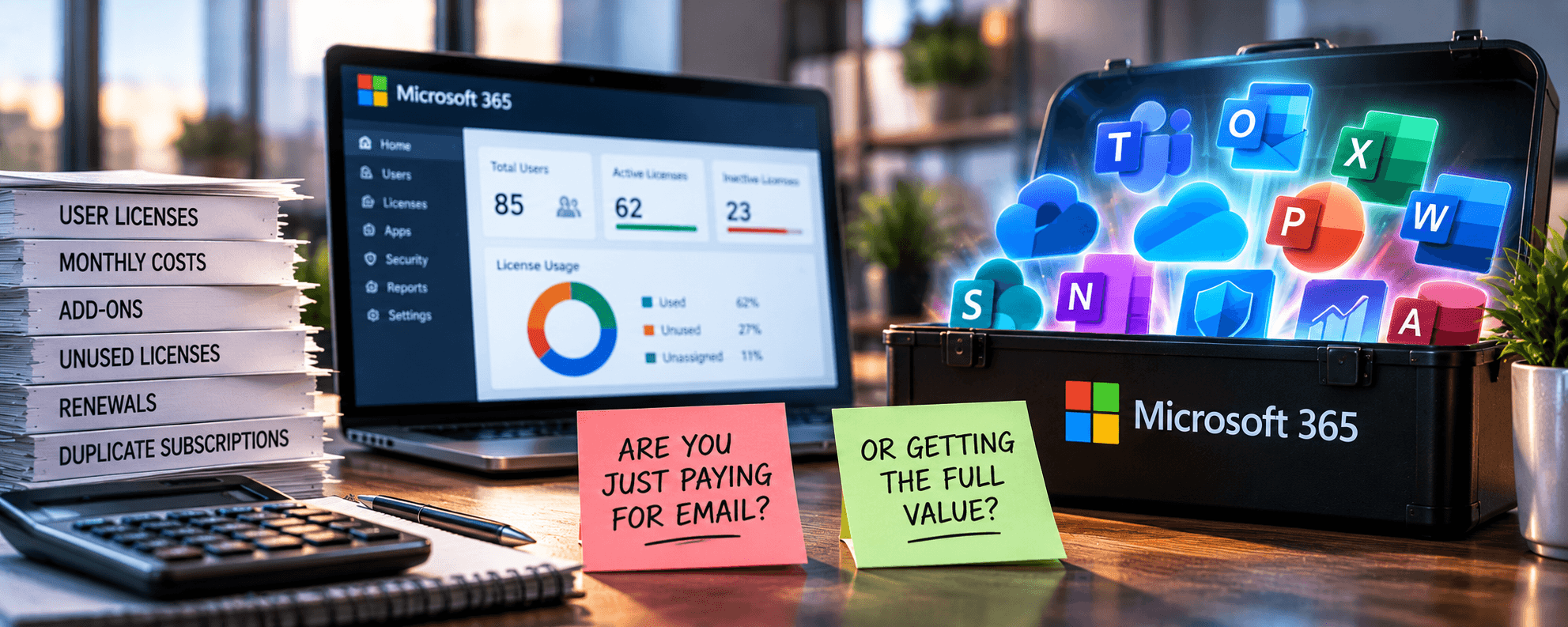
Your business pays for Microsoft 365 every month.
- Email works.
- Employees use Outlook.
- Teams meetings happen.
- Files are stored in OneDrive and SharePoint.
Everything seems fine.
But here’s a question worth asking:
Are you actually getting the value you’re paying for, or are you just paying Microsoft to keep your email running?
For many businesses, Microsoft 365 has become a recurring technology expense nobody questions.
- Licenses are purchased.
- New employees are added.
- Additional features are activated.
- Subscriptions renew.
And somewhere along the way, businesses lose track of what they’re paying for, what they’re using, and what they’re supposed to be protecting.
The result can be unnecessary spending, overlooked security features, and missed opportunities to improve productivity.
Microsoft 365 isn’t just a collection of applications. It’s a business technology platform.
But getting real value from that platform requires more than purchasing licenses.
The Hidden Cost of Microsoft 365 Licensing
Microsoft 365 licensing can become surprisingly complicated as an organization grows.
Different employees need different capabilities. Some require desktop applications, while others work primarily through a browser. Some need advanced security and device management. Others may only need basic email and collaboration tools.
The problem begins when everyone gets assigned the same license regardless of their responsibilities.
Or when employees leave and their licenses aren’t reclaimed.
Or when additional products are purchased to provide capabilities already included in an existing subscription.
Individually, these decisions may not seem expensive. Across dozens or hundreds of employees, however, they can add up.
A Microsoft 365 licensing review should examine:
- Inactive accounts: Are licenses assigned to former employees or accounts no longer in use?
- Overlicensed employees: Are users assigned plans with features they don’t need?
- Underlicensed employees: Are some users missing capabilities necessary for their roles?
- Duplicate subscriptions: Are you paying separately for services already included in your Microsoft 365 environment?
- Unused add-ons: Are additional security, communications, or productivity subscriptions delivering value?
- Renewal commitments: Do your subscription terms still align with your staffing and operational needs?
Microsoft provides administrative tools for reviewing license assignments, making it possible to identify accounts and subscriptions that deserve closer examination.
The goal isn’t necessarily to move everyone to the cheapest plan.
It’s to match licensing costs with actual business requirements.
Because the cheapest license isn’t always the best value, and the most expensive license isn’t automatically the best choice.
You’re Probably Paying for Security Features You’re Not Using
Here’s where Microsoft 365 gets particularly interesting.
Depending on your subscription, your business may already have access to security capabilities that could help protect employees, devices, applications, and company information.
For example, Microsoft 365 Business Premium includes:
- Microsoft Defender for Business: Endpoint protection designed to help detect and respond to threats.
- Microsoft Intune: Device and application management capabilities.
- Microsoft Entra ID P1: Identity and access management, including Conditional Access.
- Microsoft Defender for Office 365 Plan 1: Additional protection against email-based threats.
- Microsoft Purview capabilities: Information protection and selected data loss prevention features.
Microsoft outlines these capabilities in its Business Premium security documentation. But here’s the catch.
Having access to a security feature doesn’t mean it’s configured, deployed, or actively protecting your business.
- You might have licensing for endpoint protection while some workstations remain unmanaged.
- Or you might have Conditional Access capabilities without appropriate policies.
- Maybe you might have tools for protecting sensitive information that nobody has configured.
And you might be paying for additional security products without understanding how they overlap with your Microsoft licensing.
That doesn’t mean you should automatically eliminate other security solutions. Depending on your requirements, third-party products or managed security services may provide important additional protection.
It means your security tools should be evaluated together.
That is why Cybersecurity Services should focus on security management, monitoring, identity protection, and ongoing oversight rather than simply selling software.
Microsoft 365 Security Isn’t Something You Configure Once
Even businesses that initially deploy Microsoft 365 correctly can develop security gaps over time.
Employees come and go. Devices change. New applications are connected. Permissions are modified. Remote access requirements are evolving.
And those changes can gradually weaken an environment that was once properly configured.
Microsoft offers a tool called Microsoft Secure Score to help organizations evaluate their security posture and identify recommended improvements.
Secure Score can highlight opportunities involving identity security, applications, devices, and data protection.
It doesn’t guarantee protection against cyberattacks, but it provides a useful starting point for understanding where security controls may need attention.
A Microsoft 365 security review should consider the following:
- Multifactor authentication is consistently enforced.
- Administrator accounts have appropriate protections.
- Inactive accounts are disabled and reviewed.
- Devices accessing company information are managed.
- External sharing is appropriately controlled.
- Suspicious activity is monitored and investigated.
The question isn’t whether Microsoft 365 has security features. It’s whether those features are protecting your business.
Your Employees May Be Using Only a Fraction of the Platform
Security and licensing aren’t the only areas where businesses miss opportunities.
Microsoft 365 includes collaboration and productivity capabilities that many organizations never fully adopt.
Think about how your employees actually work. Are the following happening?
- Important files are still being emailed back and forth as attachments
- Multiple versions of the same document are stored across individual computers
- Employees are struggling to locate information
- Teams are relying on disconnected applications when existing Microsoft 365 tools could support their workflows
SharePoint, OneDrive, Teams, Planner, and other Microsoft 365 apps can help businesses organize information, collaborate, and cut unnecessary manual work.
But simply making these tools available doesn’t automatically improve productivity.
Employees need guidance. Information needs structure. Permissions need management. Workflows need to make sense.
Otherwise, you may simply be paying for more applications that employees don’t understand or use.
Microsoft provides Microsoft 365 usage reports that help administrators evaluate adoption and activity across supported services.
Those reports can help identify where additional training, configuration, or process improvements might create value.
Sometimes the best return on your Microsoft 365 investment doesn’t come from purchasing another application.
It comes from using the tools you already own better.
And Now There’s AI
Oh yeah, that.
Microsoft 365 is also becoming an increasingly important part of business AI strategies.
Microsoft Copilot and related AI capabilities can help employees work with information, summarize content, and automate certain tasks, depending on licensing and configuration.
But introducing AI into an environment with disorganized files, excessive permissions, or poorly managed information can create new challenges.
AI doesn’t automatically fix bad information management. If employees have inappropriate access to sensitive files, AI tools that respect existing permissions may make that information easier to discover.
If business knowledge is outdated or scattered across disconnected systems, AI responses may be incomplete or unreliable.
Before expanding AI adoption, businesses should evaluate the quality, organization, permissions, and security of the information those tools will use.
This speaks directly to Agentic AI Management Services, which focus on the governance, infrastructure, identity, and security requirements behind business AI.
AI readiness isn’t simply about buying Copilot licenses. It’s about ensuring your technology environment can support AI responsibly.
Five Questions Every Business Should Ask About Microsoft 365
You don’t need to understand Microsoft’s entire licensing structure to determine whether your organization is getting value.
Start with five questions:
- Are we paying for licenses nobody needs? Review inactive accounts, subscription assignments, and licensing levels.
- Are we using the security features included in our subscriptions? Identify capabilities that are available but not properly deployed or managed.
- Is our business or organization purchasing overlapping products? Determine whether existing tools provide similar functionality and whether additional solutions deliver measurable value.
- Are employees using Microsoft 365 effectively? Evaluate collaboration, file management, adoption, and training opportunities.
- Is someone actively managing and optimizing our environment? Confirm responsibility for licensing, security, monitoring, permissions, and ongoing improvements.
If nobody can answer these questions confidently, that’s a sign your Microsoft 365 environment deserves a closer look.
Microsoft 365 Should Be Managed as a Business Investment
Microsoft 365 is too important to treat as a recurring software bill.
For many organizations, it supports communications, collaboration, file storage, identity management, cybersecurity, remote work, and increasingly AI.
That makes it a core part of business infrastructure. And like any important technology investment, it needs oversight.
Microsoft 365 Solutions should help businesses manage their Microsoft environments, including licensing, configuration, security, migration, and ongoing administration.
Combined with Managed IT Services, organizations can take a more proactive approach to identifying unnecessary costs, improving security, and aligning technology with business needs.
The objective isn’t to use every Microsoft 365 feature simply because it’s available. It’s to use the right capabilities, for the right employees, in ways that actually benefit the business. It comes down to understanding the end goal and working backward.
Stop Paying for Licenses. Start Getting Value.
Your Microsoft 365 subscription may be working exactly as expected. But that doesn’t necessarily mean you’re getting everything you’re paying for.
You could be paying for unused licenses, overlooking valuable security capabilities, or missing opportunities to improve how employees work. Those issues may go unnoticed for years.
The question isn’t whether Microsoft 365 is worth the money. It’s whether your business is getting its money’s worth.
An MSP can help evaluate your Microsoft 365 licensing, security configuration, utilization, and management practices to identify opportunities for improvement.