
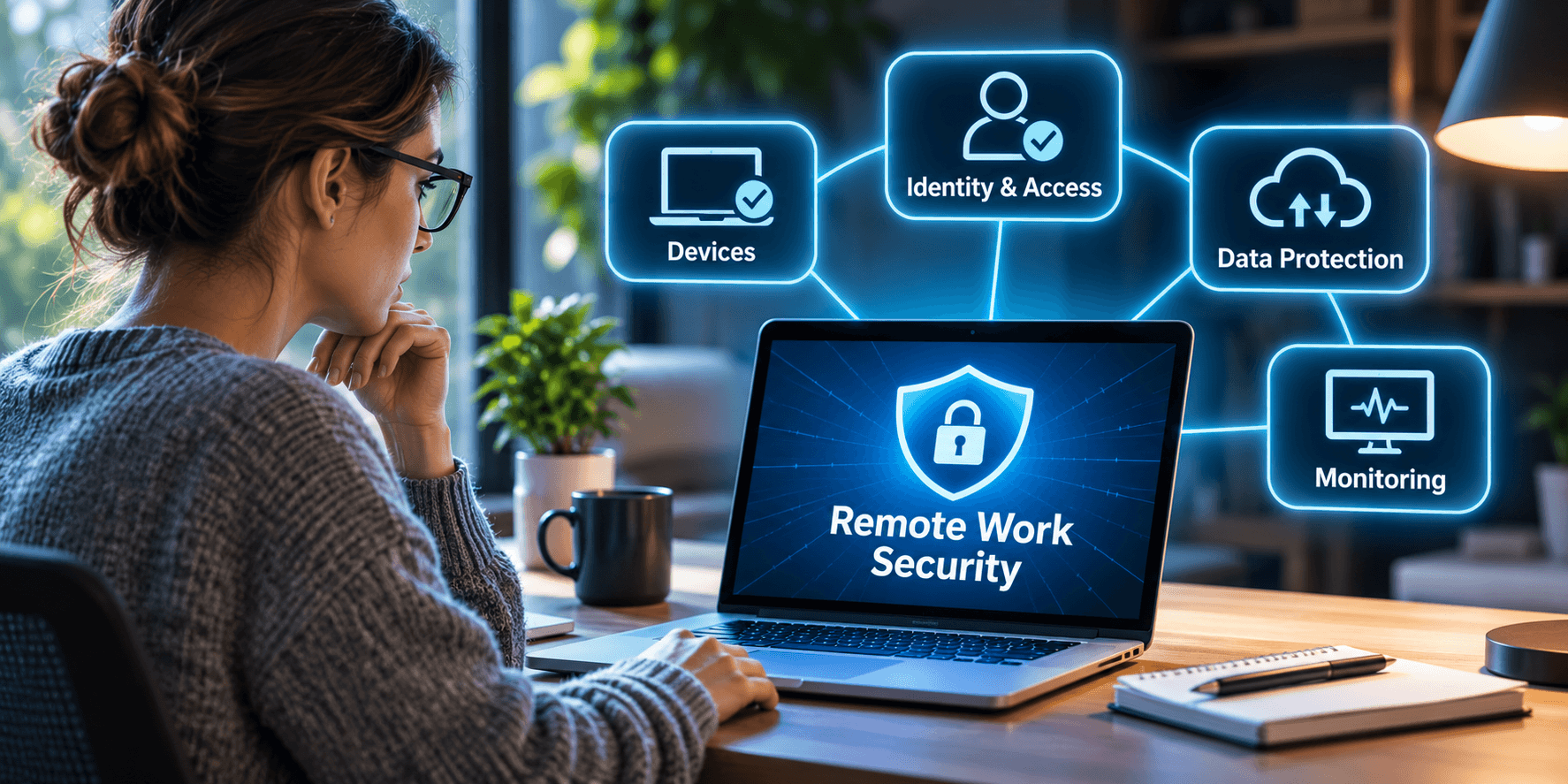
TL;DR: Remote Work Requires Security That Travels with Your Employees
Remote and hybrid work have expanded the number of devices, locations, and applications accessing business information.
Traditional network security alone isn’t enough. Businesses need device management, strong identity controls, appropriate permissions, data protection, and proactive monitoring.
The bottom line: Remote work shouldn’t mean losing control of your cybersecurity. Your security strategy needs to protect business information wherever employees work.
Your employee is working from home.
- They’re answering emails
- Joining Teams meetings
- Accessing customer information in Microsoft 365
Everything seems perfectly normal. Except they’re using a personal laptop that hasn’t been updated in months. Their teenagers use the same computer for gaming. And company documents are syncing to a personal cloud account.
Meanwhile, your business has no idea. Welcome to the modern workplace, where employees can work from anywhere, but cybersecurity might still be stuck at the office.
Remote and hybrid work offers tremendous flexibility. But they also change how businesses need to protect their systems and information.
The question isn’t whether remote work is good for business. It’s whether your cybersecurity strategy has evolved to support it.
Your Office Is No Longer Your Security Perimeter
There was a time when protecting a business network was relatively straightforward.
Employees worked in an office. Computers connected to a managed network. IT controlled the hardware, software, and internet connections.
Today, employees access business systems from home offices, hotels, airports, and personal devices. And much of the information they need lives in Microsoft 365, cloud applications, and customer databases.
Employees no longer need to connect directly to your office network to access sensitive information. They may only need a username, password, and an internet connection.
Your business data can travel wherever your employees go. Your security needs to follow it.
That’s why Cybersecurity Services emphasize identity protection, monitoring, and layered security rather than relying exclusively on traditional network defenses.
The Device Problem Nobody Wants to Talk About
Some businesses provide company-owned laptops and smartphones. Others allow personal devices, commonly called Bring Your Own Device (BYOD).
Many use both.
A company laptop might have endpoint protection, encryption, automated updates, and centralized management.
But what about the employee accessing company email from a personal tablet? Or does the contractor download sensitive files to an unmanaged computer?
Every device accessing business information introduces risk.
The National Institute of Standards and Technology’s BYOD security guidance explains how poorly secured personal devices can expose organizations to data loss and privacy concerns.
The solution isn’t necessarily banning personal devices. It’s establishing reasonable security requirements, including:
- Centralized management of company-owned devices.
- Automatic operating system and application updates.
- Endpoint detection and response.
- Device encryption and screen-lock requirements.
- Appropriate controls for personal devices accessing business data.
- The ability to remotely secure or wipe company information when supported.
We’ve explored this in Remote Employees, Personal Devices, and Company Laptops.
If a device can access your business, someone should know whether it meets your security requirements.
Your Employees’ Identities Are Now a Bigger Target
Attackers don’t necessarily need to compromise your firewall. Sometimes they just need an employee’s credentials.
A convincing phishing email or fake Microsoft 365 login page could provide access to email, documents, and cloud applications.
That’s why identity security is critical for remote workers. Important protections include:
- Multifactor authentication (MFA): Require additional verification beyond passwords, preferably phishing-resistant methods where supported.
- Conditional Access: Evaluate identity, device compliance, and sign-in risk before granting access.
- Least-privilege access: Give employees only the permissions necessary for their jobs.
- Account management: Remove unnecessary access when employees leave or change roles.
- Sign-in monitoring: Identify suspicious authentication attempts and unusual activity.
Microsoft explains how Entra Conditional Access can apply security requirements based on user, device, application, and other signals.
But there’s an important distinction… Having Microsoft 365 doesn’t automatically mean all these protections are enabled.
Some capabilities require specific licenses, configuration, and ongoing management.
Microsoft 365 Solutions, if implemented correctly, will help businesses evaluate identity controls and security configurations as part of their broader IT strategy.
Your Data Doesn’t Stay Protected Just Because It’s in the Cloud
An employee downloads a company document from SharePoint.
Then they upload it to a personal cloud account to work on it later. Or forward it to a personal email address. Or paste sensitive information into an unauthorized application.
Suddenly, information that was protected within your managed environment is somewhere else. They might as well post it on Facebook.
And your organization may have little visibility into where it went. Remote-work security must address how information is accessed, shared, and stored.
Depending on business requirements, that may involve:
- Data classification: Identifying sensitive or regulated information.
- Data loss prevention: Reducing inappropriate sharing of confidential information.
- Application protection: Controlling how company data moves between applications.
- Secure collaboration: Establishing approved methods for sharing files.
- Access reviews: Verifying who can view or download important information.
Microsoft’s Intune app protection policies can help protect corporate information within supported applications, including on certain personally owned devices.
The objective isn’t to make remote work inconvenient. It’s to prevent convenience from becoming an uncontrolled path for sensitive information.
If Nobody Is Watching, Who Knows Something Is Wrong?
Imagine an employee’s laptop develops a security problem.
- Endpoint protection stops working
- An operating system update fails
- Malicious software is installed
If that employee works three states away, how would your IT team know?
Without centralized monitoring, problems can remain unnoticed.
A proactive approach to Managed IT Services helps organizations identify device issues, deploy updates, monitor security controls, and respond remotely.
NIST’s Guide to Enterprise Telework, Remote Access, and BYOD Security emphasizes securing remote devices, communications, and access throughout their lifecycle.
And remember, a VPN alone doesn’t solve every remote-work security problem.
It doesn’t automatically protect an infected laptop, prevent credential theft, or stop sensitive files from being copied into unauthorized applications.
Secure remote work requires coordinated protection across devices, identities, applications, and data.
What Happens When a Remote Employee Leaves?
- An employee resigns.
- Their laptop gets returned.
- Their email account is disabled.
- HR completes the paperwork.
Everything appears handled.
But what about the applications they access from a personal phone?
- The SaaS accounts created outside IT?
- The files synchronized to a personal computer?
- Or authentication sessions that were never revoked?
Remote work can complicate offboarding when organizations lack visibility into devices, applications, and permissions.
A proper offboarding process should include:
- Disabling accounts
- Revoking sessions
- Reviewing connected applications
- Removing unnecessary permissions
- Protecting company information
Collecting the laptop doesn’t necessarily mean you’ve collected all the access.
The Lost Laptop Test
Here’s a practical exercise. Tomorrow morning, a remote employee calls to say their laptop was stolen.
It contains company files, saved application sessions, and access to business systems.
What happens next?
- Does your IT team know which device was stolen?
- Was the information encrypted?
- Can someone revoke access and invalidate active sessions?
- Can the device be remotely secured?
- Do you know what company information might be stored locally?
- Can the employee resume working quickly using another secure device?
If your business can answer those questions confidently, that’s encouraging. If not, the problem isn’t simply a missing laptop.
It’s that your organization may not have the controls needed to manage what happens next.
You can’t prevent every lost device, phishing attempt, or employee mistake. But you can prepare your business to reduce the consequences.
Remote Work Has Changed. Your Cybersecurity Strategy Should Too.
Remote work isn’t simply an employee benefit anymore. For many organizations, it’s essential to daily operations.
Employees need secure access to applications, information, and communications from multiple locations and devices.
That requires more than issuing laptops and enabling remote access. It requires coordinated device management, identity protection, access controls, data security, and monitoring.
Through proactive Managed IT Services and Cybersecurity Services, businesses can strengthen those protections while supporting the flexibility employees need.
The goal isn’t to bring everyone back into the office just to make cybersecurity easier. It’s to protect the business wherever work happens.
Your employees have learned how to work from anywhere. Has your cybersecurity learned how to protect them there?